Installation: Options (manual coordinates)
Main page: Installation
Next: Updating the installed version
The integration's Configure dialog is used to set manual coordinates — useful when you want Smart Irrigation to use a location different from your Home Assistant home location.
- In Home Assistant go to Settings > Devices & services.
- Select the Smart Irrigation card.
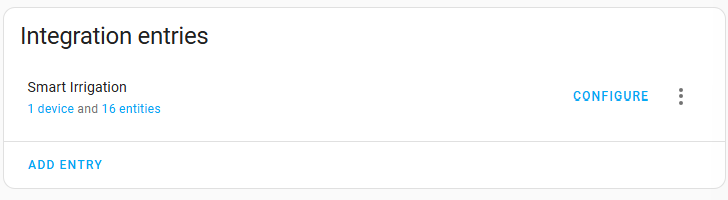 Under 'Integration entities' click
 Configure.- Toggle Use manual coordinates on to enter a latitude, longitude and elevation; leave it off to inherit your Home Assistant location.
To change the weather service or update an API key, use the Weather service settings in the Smart Irrigation panel instead — see Configuring the weather service.
Main page: Installation
Next: Updating the installed version