Configuration
You use the Smart Irrigation panel to configure the integration. Make sure you install it first.
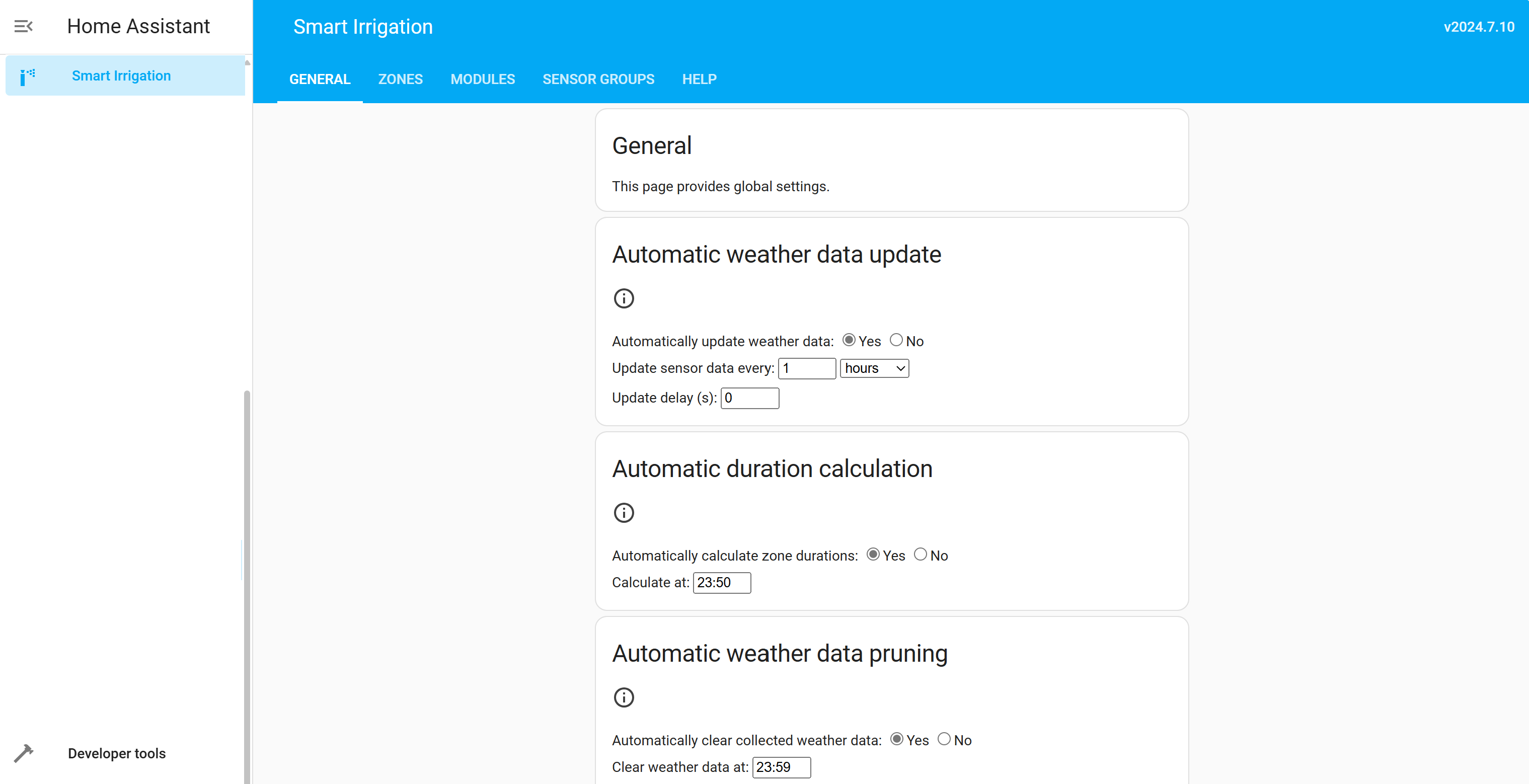
Four tabs
The panel used to have ten tabs, which is nine more than most people open twice a year. It has four, each a group of pages: a group opens its first page and shows the others on a second row. Nothing was removed and every address still works.
- Home — what is happening. Info: what will happen at the next start and why, whether it would be held back, where each zone stands right now, and the days ahead. Then History: what actually ran, by day, with durations and volumes.
- Zones — the zones of your irrigation system: what each waters, how it is calculated, and what it is short of.
- Data — where the numbers come from. Weather service, then sensor groups: which sensor or service provides each value the calculation reads.
- Settings — everything you set once. General: schedules, start triggers, the skip conditions and the rest. Then Backup / restore, and Help.
Two pages are in no tab, and both are reachable.
- The setup assistant is a button under Settings. It is for an installation that has nothing yet, so a tab inviting one that is already set up to set itself up was in the way.
- The calculation engines page is not in the navigation at all, because a zone says how it is calculated and the engine behind that answer is created and reused for you. Its address still works and it appears under Settings while it is open.
Standard and advanced
The panel comes in two depths, switched under Settings > General.
The standard panel keeps what a zone is: its name, what it waters with, where its weather comes from, what it is short of. The advanced panel adds the settings that tune the model — the drainage rate, the thresholds, the crop factor, how far ahead a zone looks, cycle and soak — which have sound defaults and are not improved by being met accidentally.
An installation that already had zones when this arrived is on the advanced panel, because those settings were chosen on purpose and folding them away would hide decisions its owner made. A fresh installation starts on the standard one. Either way the choice is yours from then on, and nothing is lost in either direction: the settings keep their values.
See also: Closed-loop watering, which lets Smart Irrigation credit the bucket from real irrigation and, optionally, drive the valves itself.